How to create a Google Business Profile, get it verified, and get your first reviews
How to create a Google Business Profile: what Google needs, why verification fails, and what a finished profile looks like. Three real local businesses.
If you want to know how to create a Google Business Profile, here is the honest short version: making one is free, filling it in is quick, and getting it set up right and verified is where most owners get stuck. Your profile is the listing with the map pin, your hours, your phone number and your reviews. When someone nearby searches for what you do, that listing is usually the first thing they see, before any website.
Below is how the process works, what Google is checking, the reasons verification most often fails, and what happened for three local businesses we helped.
How do I create a Google Business Profile?
There are four stages, and each one matters for a different reason.
1. Decide who owns it. The profile belongs to whichever Google account creates it. Use one the business will keep for years. A lot of owners lose control of their listing because a former employee or web person set it up under their own account.
2. Give Google the core details. Your business name exactly as it appears on your sign and invoices, your main category, how customers reach you (do they come to you, or do you go to them), a phone number and your website. The main category is the most important choice on the whole profile, because it decides which searches you can show up for.
3. Verify it. Google needs proof that your business is real and that you are the one running it. Until that happens, the profile does not show up properly. This is the stage that stops most people, so it gets its own section below.
4. Fill it out completely. Hours, services, the areas you work in, a description of what you do, and real photos of your work. A half-empty profile ranks below a complete one, even when the business behind it is better.
Can I set up a Google Business Profile without an address?
Yes. If you work at your customers’ homes or job sites (trades, cleaning, mobile beauty, detailing, snow removal), you are what Google calls a service-area business. You list the areas you serve and your address stays private.
This is the setting owners get wrong most often. Set it up as a storefront when you’re not one, and Google expects customers to visit an address that doesn’t welcome them. That mismatch is one of the most common reasons verification fails or a profile gets suspended later.
What does Google check before it shows your profile?
Google wants three things to line up:
- The business is real. It exists, it does the work it claims, and it has a name customers would recognise.
- It is where you say it is. Either a location customers can visit, or the service area you listed.
- You are the owner or manager. Someone with real access to the business is the one asking.
It also looks for consistency. The same name, phone and area on your profile, your website and your vehicle make Google more confident, and a confident Google shows your listing more often.
Why does Google Business Profile verification fail?
Most failures come down to a handful of reasons:
- The name doesn’t match reality. Adding your city or keywords to the business name (“Best Plumber Winnipeg Ltd”) is against Google’s rules and gets profiles rejected or suspended.
- Storefront vs service area is set wrong. Google tries to confirm a location customers visit, and there isn’t one.
- The verification video doesn’t prove enough. When Google asks for a video, it has to show all three things above: where you are, that the business is real, and that you have owner access. Videos that only show one of them get rejected.
- Too many edits. Changing the name, address or categories over and over can send a verified profile back through verification, again and again.
- The wrong account owns it. Verification codes and messages go somewhere the owner never sees.
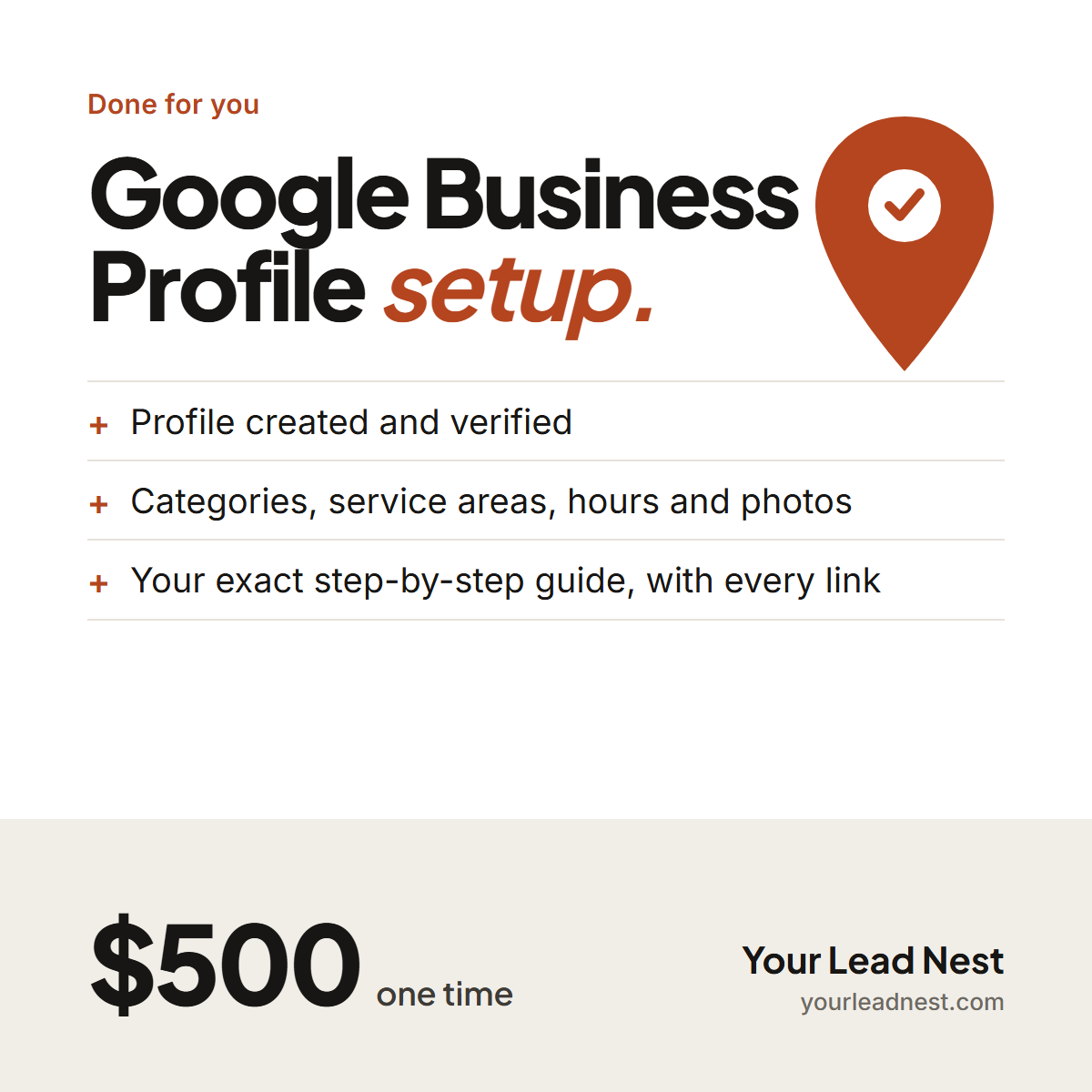
Want it done right the first time? We set up and verify your profile, and you get the exact step-by-step guide with every link. $500 plus GST, one time.
Buy now: get my profile set up →What does a finished Google Business Profile look like?
When it is done right, you have:
- A verified profile owned by an account the business controls
- The right main category, plus a few accurate extra ones
- Your service areas listed (or your address, if customers visit you)
- Hours, services and a plain description of what you do and where
- Real photos of your work
- A phone number that gets answered and a link to a website that matches
- Reviews starting to come in
Kaalei Beauty: from no profile to five 5-star reviews
Kira runs Kaalei Beauty, a Winnipeg makeup artist for weddings, film and runway. When she signed on with us in October she had no Google Business Profile at all. If a bride heard her name and searched for her, Google had nothing to show.
We gave her every detail she needed for the setup and helped her through verification when Google asked for it. Then her review page went in front of her clients. Two days after that page went live, her new profile had five reviews, every one of them five stars.
She had the happy clients all along. Now they have somewhere to say so.
Manzano Property Services: verified and on the map in a week
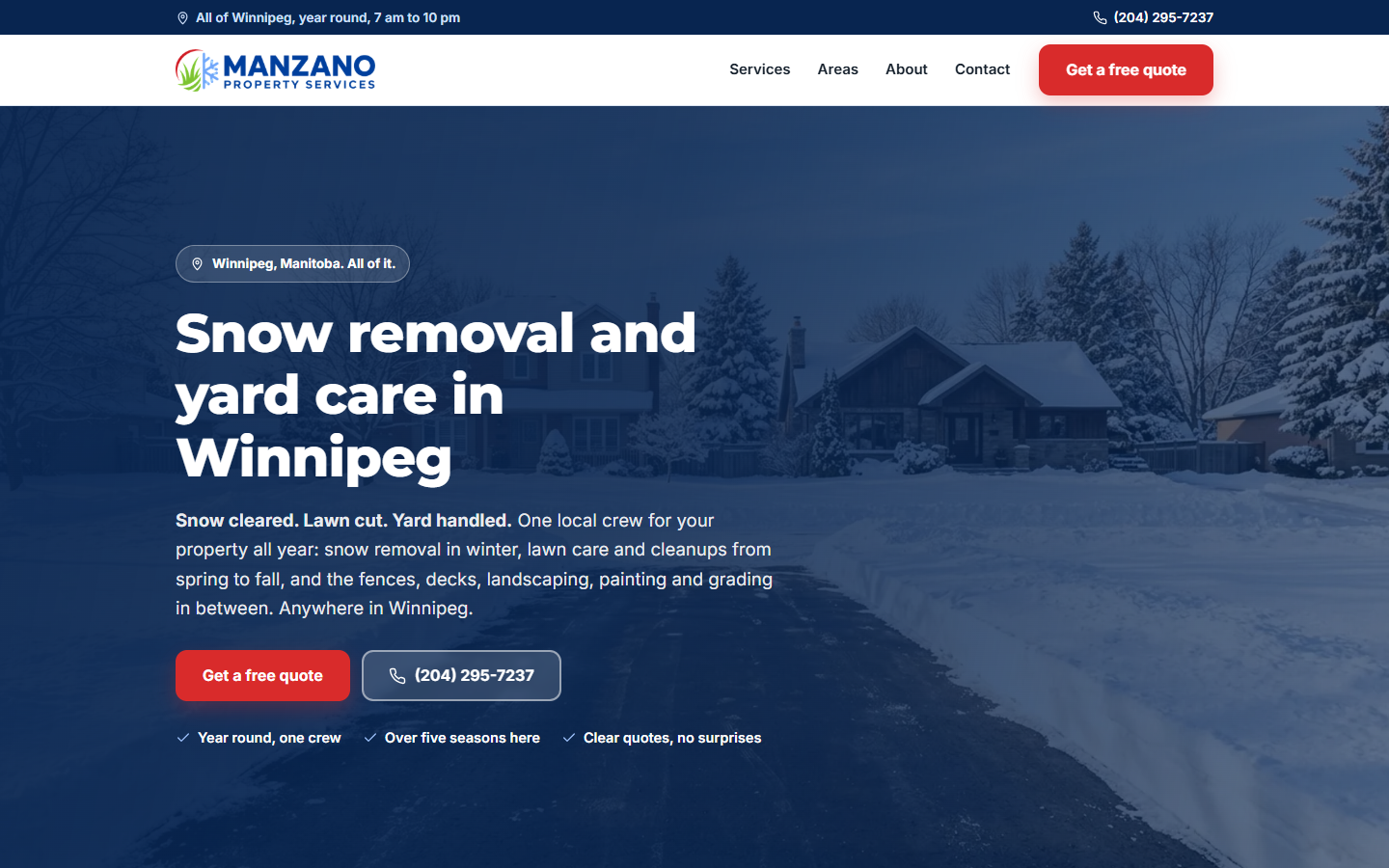
Zach at Manzano Property Services does snow removal, yards, fences and grading across Winnipeg. Years of good work, and online, nothing. No profile, no website.
His website went live on September 3. His Google Business Profile was verified on September 5 and showing on Google Maps on September 6, set up as a service-area business with his real categories and a phone he answers. The same day, his first two five-star testimonials came in from repeat customers. One week from invisible to found, booked and reviewed. The full story is in why your business is not showing up on Google.
Elite Xteriors: when every edit triggers verification
Elite Xteriors is an exteriors company in Beausejour, Manitoba. Their profile already existed, but every time they tried to add services or new towns, Google asked them to verify again, and the verification video kept failing.
We gave them a short guide covering the service-area setup, the categories that matched their actual work, and what their verification video needed to show. With it, they got the profile working on October 28.
What should I do right after my profile is live?
A verified profile with zero reviews still looks empty. Next, in order:
- Get your first reviews from customers who already like you. Here is how to get Google reviews, and the review link, review page and QR code we set up to make it happen after every job.
- Link it to a website that says what you do and where. Google trusts a profile more when there is a real page behind it.
- Answer the phone, or have something answer it. A profile sends calls. A missed call goes to the next business on the map. An AI receptionist can pick up when you cannot.
All of this together is what people mean by local SEO for a small business. You can see the results it got for real businesses on the client wins section of the homepage.
If you’d rather have it done right the first time, buy the setup here. We set up and verify your profile, and you get the exact step-by-step guide with every link, for $500 plus GST. Questions first? Send me your business name.
Tell me what's broken. I'll set it up.
Two sentences about what is not working is plenty. I read every one and I'm usually back to you the same day.
Do it yourself, free
Every fix is on YouTube. Sign up for GoHighLevel with my link to support the channel, and I'll map what to build first for your business.
Turn off ad blockers before clicking or the referral will not track, and then I cannot see you signed up.